This option is available starting with the Premium plan.
If you have a particular localization use case you'd like to automate, you can create custom workflows for your localization projects using the existing steps:
- Copy terms to translations
- Export to Git
- Flag Translations
- Delete Translations
- Import from Git
- Notify Users
- Quality Assurance
- Quality Evaluation
- QE Fix
- Project stats
- Tag Terms
- Translate with AI
- Translate with AT
- Translate with TM
How to create a custom workflow
To create a custom workflow, go to a project and access the Workflows section, then click on Add custom workflow.
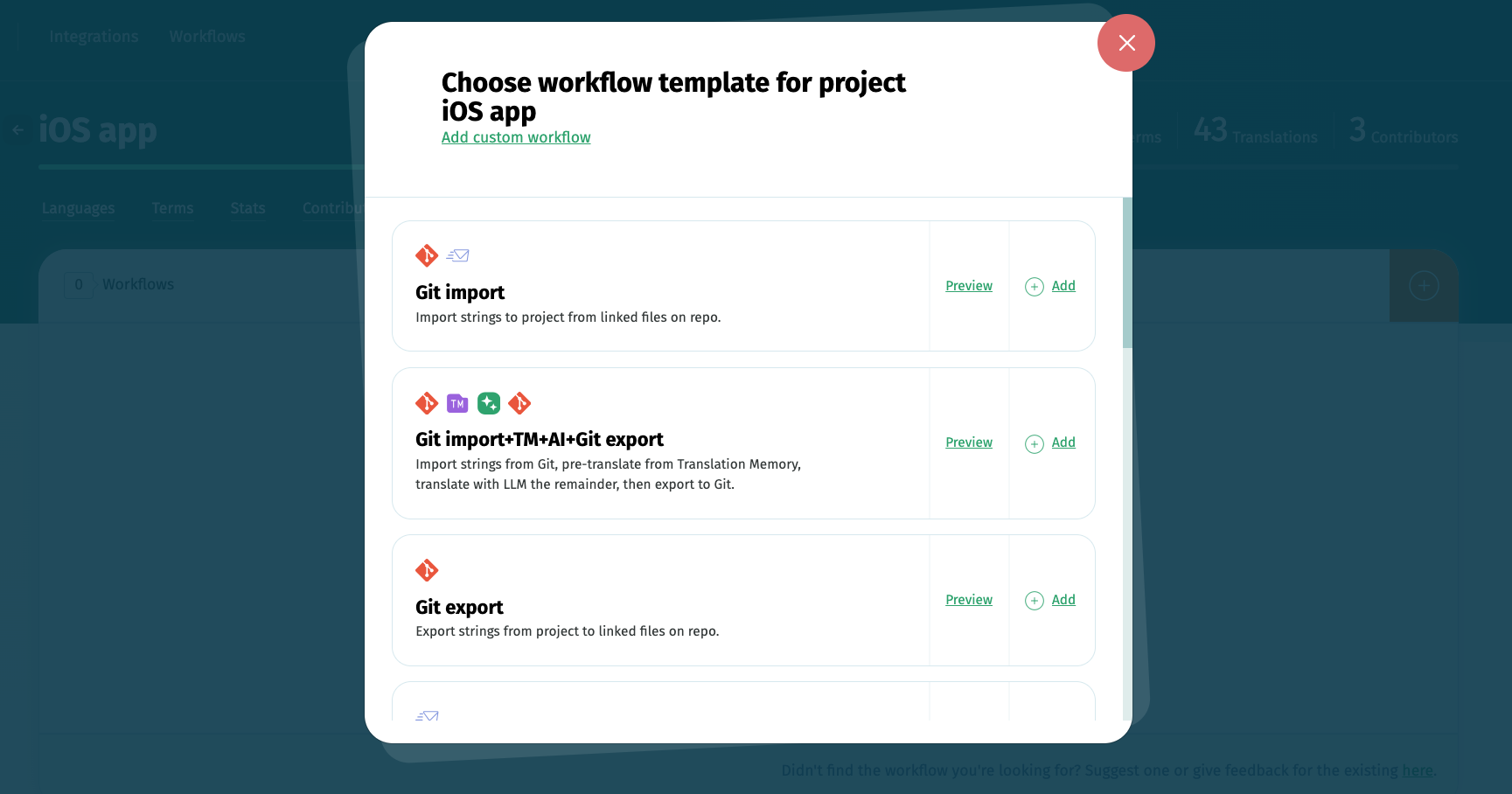
Custom workflows can be added by the project owner or organization managers and by project admins.
How to apply custom workflows to other localization projects
Once you've created a custom workflow for a localization project, you can save it as template to reuse it for other projects.
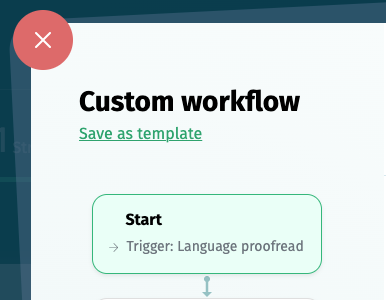
You can also copy it to other projects you own using the option Copy to other projects.