Available for Custom Workflows, the Delete Translations step deletes translations from languages in your project, according to your preferred filters.
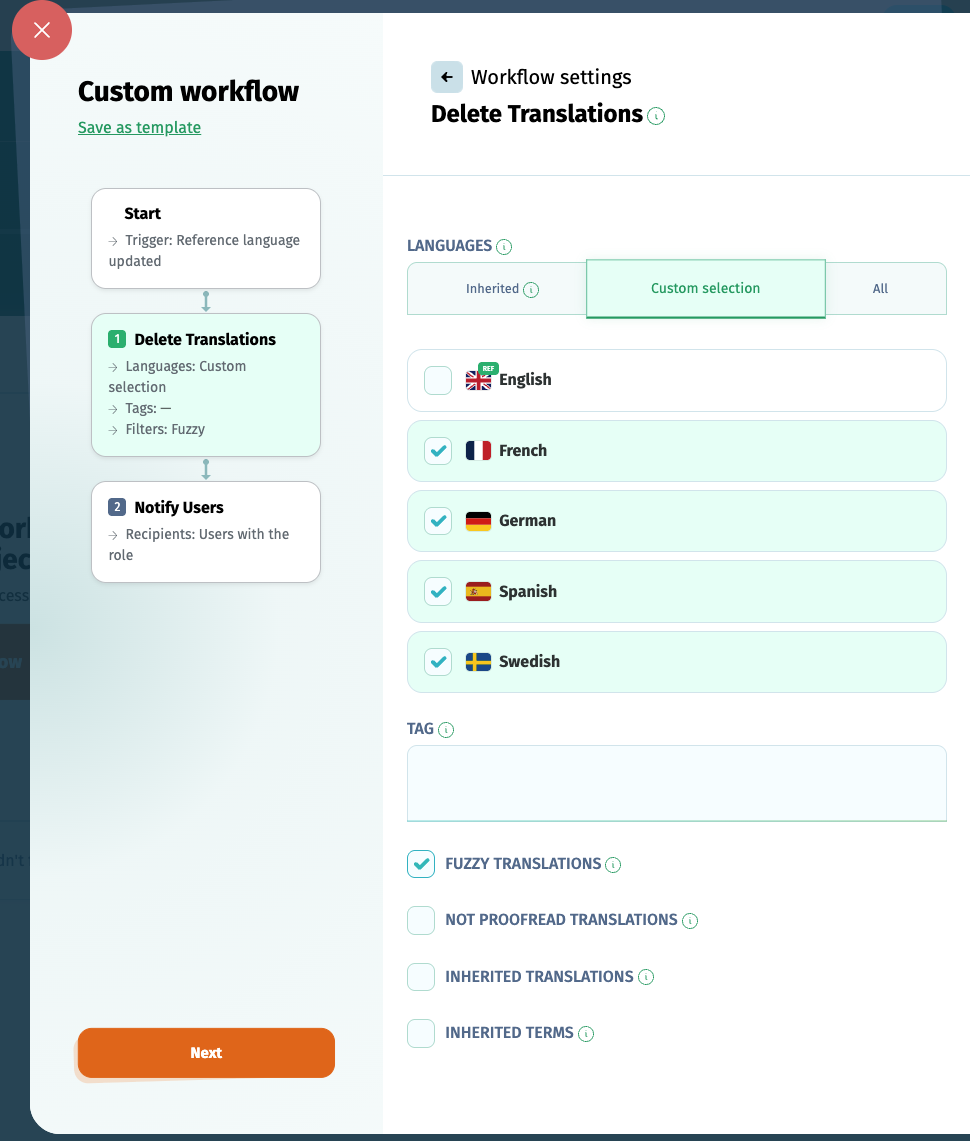
You can choose to delete translations from:
- inherited languages (the languages affected by the previous step)
- a custom selection of languages
- all the project languages
You can filter what translations to delete from these languages by:
- tag: deletes the translations corresponding to certain tagged terms
- flag: deletes the translations marked as Fuzzy or Not proofread
- inherited translations: deletes the translations affected by the previous step
- inherited terms: deletes the translations corresponding to terms involved by the previous step
If multiple filters are selected, the Delete translations step will run only for their intersection.