The QA step runs the Quality Assurance module for the selected languages and identifies the translations with errors.
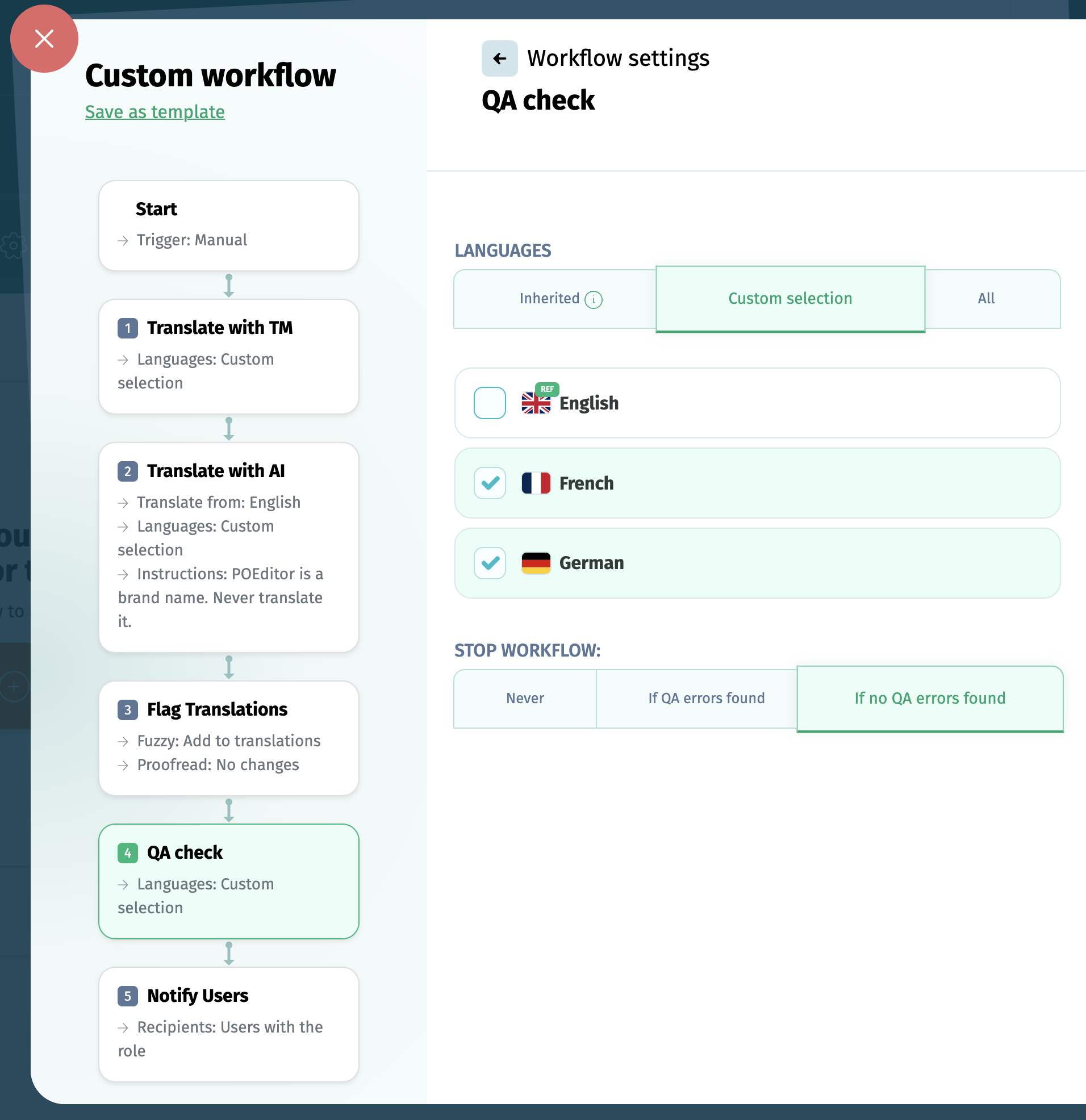
You can choose to run the Quality Assurance check for:
- the languages inherited from the previous step
- for a custom selection of languages
- for all the project languages
Based on what the Quality Assurance module finds on its run, you can choose to:
- never stop the workflow, regardless of the QA result
- stop the workflow if errors are found by the QA check
- stop the workflow if QA errors are not found
If the Notify Users step is included in the same workflow, a report with the errors identified by the QA are included in the email sent to the users selected at this step.