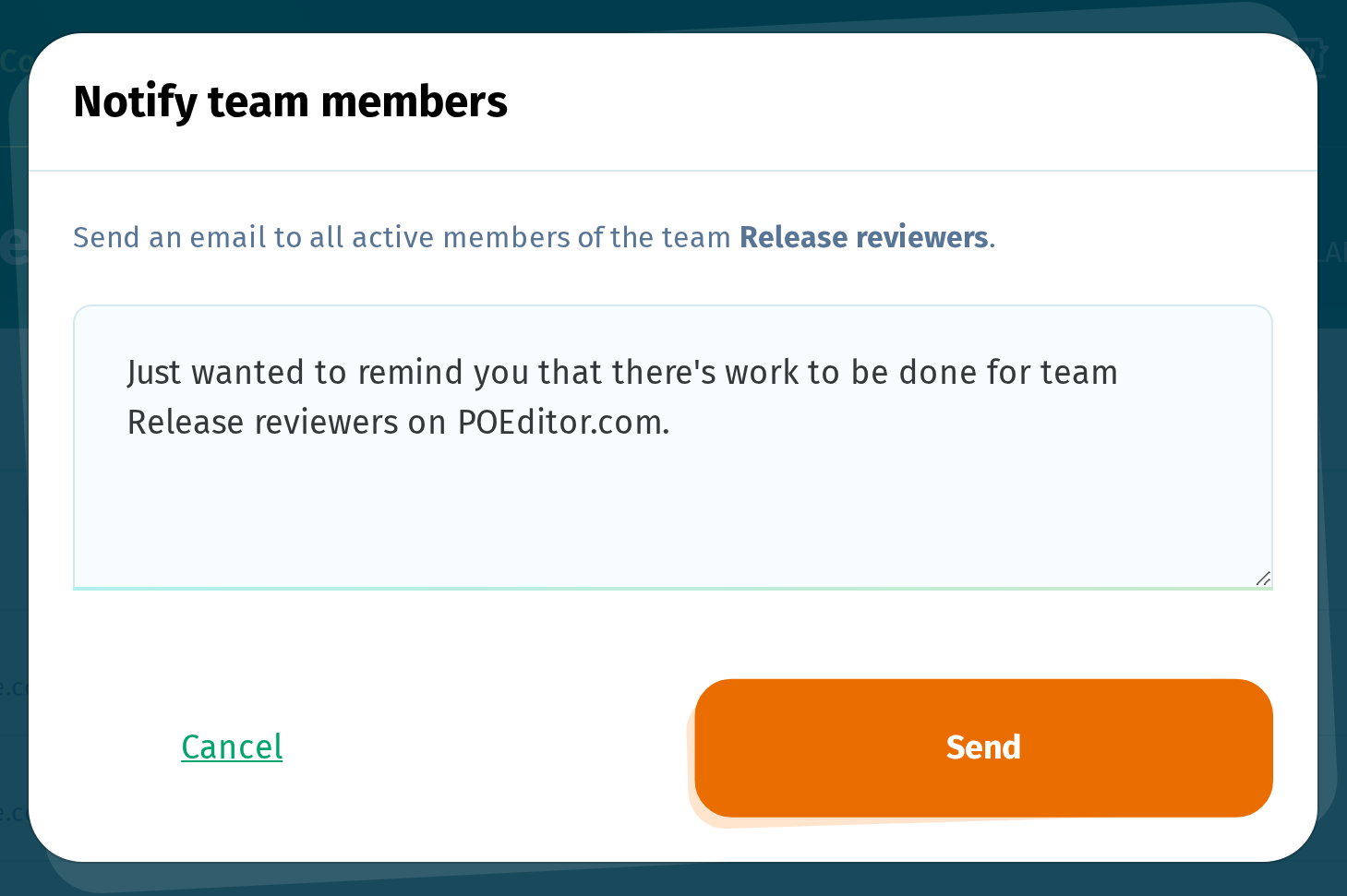
You can email a specific group of contributors by adding them to a team and notifying its members.
Notifying team members is available on paid plans.
1. Create a team
Go to Contributors > Teams, click Add team, enter a name, and click Add.
Note: If the team is assigned to project languages, everyone you add to it also gets access to those languages.
2. Add contributors to the team
On the main Contributors page, select the contributors you want to add to the team. In the bar at the bottom of the page, choose the team from the Add to team list, click Go, then confirm with Add.
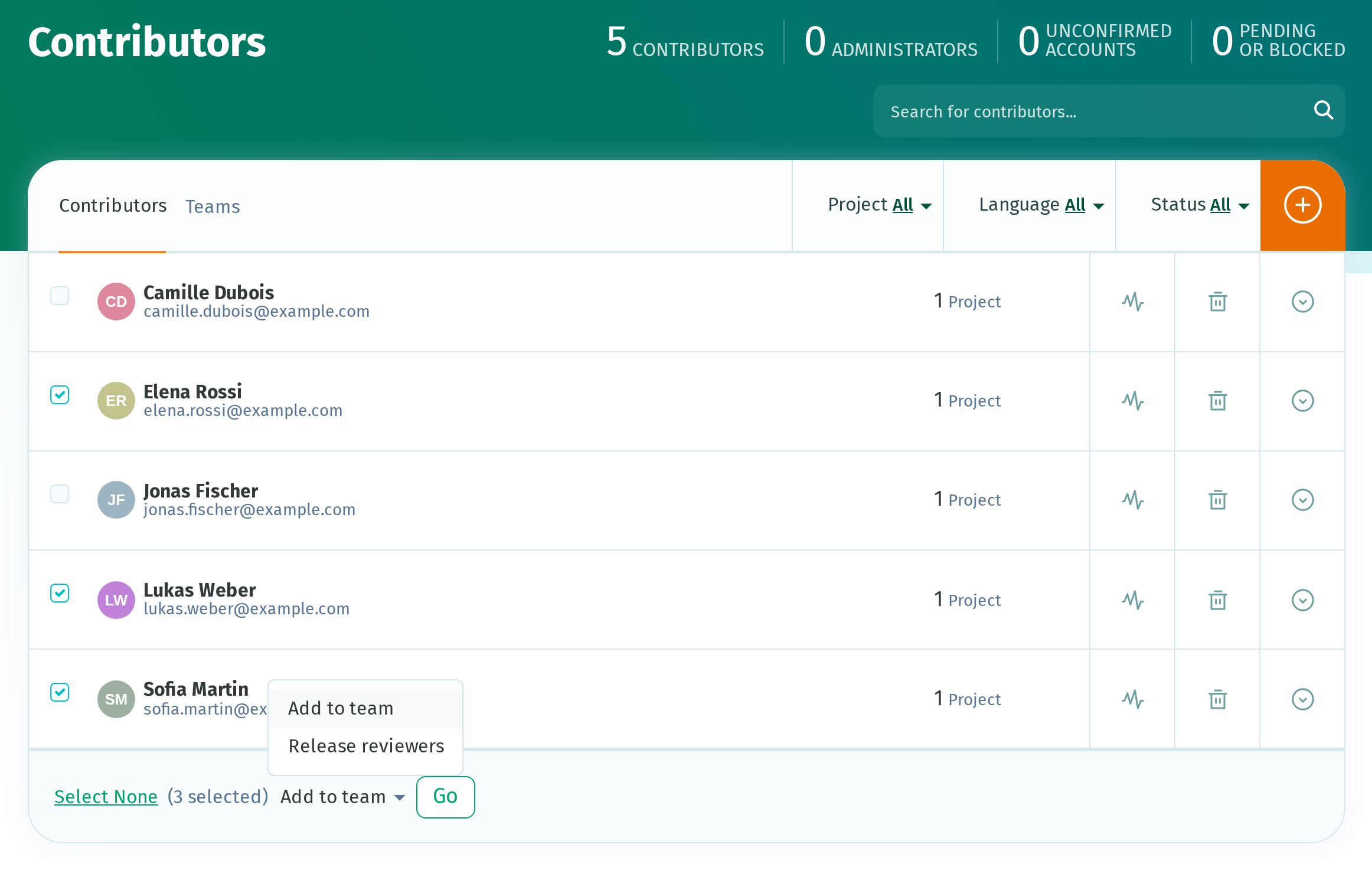
You can also add contributors individually from the team's page by clicking Add member.
3. Notify the team
On the team's page, click Notify members. Replace the default message with your own, then click Send.