 Mirela
We’re spoiled for choice nowadays with a multitude of translation management system options, but that makes the decision even harder, doesn’t it? It’s hard to pick just one when each promises to do the things you, as a global company, need, and that’s to centralize multilingual content, automate workflows, and integrate into your development, design, and marketing stacks.
With dozens of TMSs on the market, it was quite hard to narrow the list down to just a few. We looked beyond market popularity, as it can be a misleading metric. Instead, we chose to evaluate each platform based on a combination of practical criteria that reflect how localization teams actually work.
How we picked the best translation management systems
We looked beyond market popularity, which can be a misleading metric, and evaluated each platform on practical criteria that reflect how localization teams actually work:
- Balance between usability and advanced features. Some TMS platforms are powerful but difficult to adopt. Sometimes, all you want is simplicity and quick onboarding.
- Coverage across different types of users. Not every team needs the same thing from a TMS, and we believe that small or medium teams don’t have to spend a lot of money on enterprise-scale options.
- Automation and workflow efficiency. We prioritized tools that offer continuous localization, automation, AI-assisted translation, and quality checks.
- Integration with existing tools and ecosystems. Your TMS should fit into your workflow, and that’s why you need one that can provide a strong API and useful integrations.
- Collaboration. Since localization is a team effort, we looked at platforms that provide role-based access & permissions and real-time editing & commenting.
- Ratings. We checked the user reviews on trusted software review platforms like G2.
Comparison at a glance
| TMS | Best for | Free plan | Paid plans from | Pricing notes |
|---|---|---|---|---|
| POEditor | Startups, indie developers, small and medium product teams | Yes | $17/mo (billed yearly) | Based on strings and features; unlimited contributors on paid plans |
| Lokalise | Mid-sized and large companies with many products and markets | Yes | $149/mo (billed yearly) | Published plans up to Advanced; Enterprise is custom |
| Crowdin | Software companies, open-source projects, community translation | Yes, with conditions | €46/mo (billed yearly) | Free-tier translations contribute to Crowdin’s translation memory |
| Smartling | Large enterprises, marketing-heavy and regulated organizations | Free to start | Custom pricing | All plans priced on request |
| Phrase | Dev-centric teams that automate localization in CI/CD | No | $27/mo for freelancers; $525/mo for teams (billed yearly) | Some plans priced on request |
POEditor
Selling point: Positioned as a localization platform built for automation and scale, that enables a hybrid workflow (AI translation paired with human expertise).
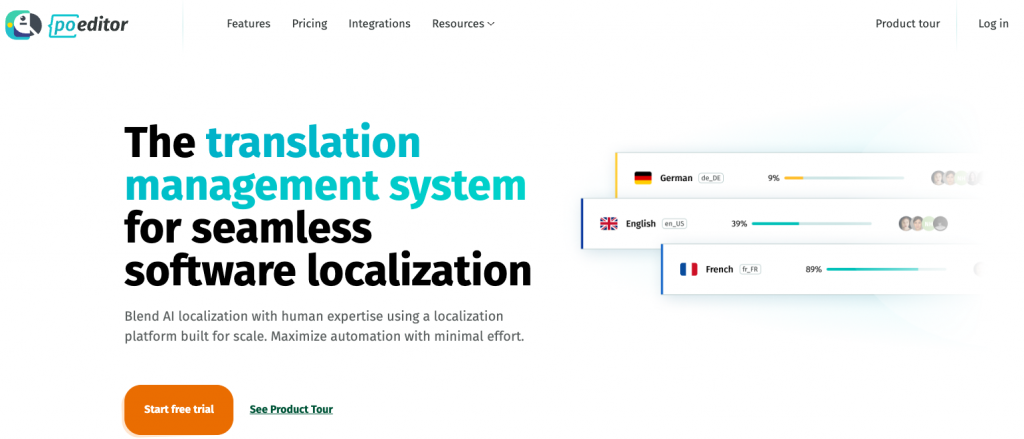
POEditor is a developer-first localization automation platform designed for teams that want full control over how translation workflows are built and executed. It focuses on doing the essentials well: managing translation strings, collaborating with contributors, and keeping workflows straightforward.
Ideal use cases
POEditor is ideal for startups, indie devs, small or medium product teams, and dev‑heavy teams that want an affordable, easy‑to‑integrate TMS. The focus is on giving companies a clean, intuitive interface paired with solid API and export ecosystem.
This TMS includes a range of automation features that help streamline both the technical and linguistic sides of localization: API and integrations with Git-based repositories, webhooks, callbacks, automatic translation engines, translation memory, automated QA checks, and more.
Core capabilities
→ Automation features, including automated workflows, that reduce manual work.
→ User-friendly interface with minimal learning curve.
→ Support for multiple file formats & easy string management.
→ Flexible collaboration with contributors and translators.
→ Translation memory and glossary support.
→ API & integrations with repos.
→ AI-powered translation options.
Improve your localization process
Discover an easy to use and affordable localization app.Why companies choose POEditor
POEditor prioritizes usability over complexity. This TMS keeps things accessible so it’s a strong choice for companies that want to get things started quickly without investing in heavy infrastructure. With POEditor, users can start small and grow gradually. The platform’s pricing model itself reflects this “grow with you” approach.
Pricing
| Plans | Price | Notes |
|---|---|---|
| Free | $0 | |
| Start | $17/mo or $18/mo or $20/mo | Billed yearly/every 6 months/monthly |
| Plus | $51/mo or $54/mo or $60/mo | Billed yearly/every 6 months/monthly |
| Premium | $136/mo or $144/mo or $160/mo | Billed yearly/every 6 months/monthly |
| Enterprise | $221/mo | Custom plan available if you need more |
Lokalise
Selling point: Emphasis on automation and collaboration.
Lokalise is a cloud‑based translation management system that combines a modern interface with strong automation and AI‑assisted translation. Its multi‑language support (hundreds of languages) lets users scale from a single new market to a truly global rollout without changing tools in the middle of the journey.
Ideal use cases
Lokalise is best suited for mid‑sized and large companies managing dozens or even hundreds of strings across multiple products, markets, and release cycles.
Core capabilities
→ Good integrations with design software, CMS platforms, dev tools, and more.
→ In-context editing for web and mobile interfaces.
→ Built-in automation with APIs, SDKs, and CI/CD support.
→ AI-assisted translations and translation memory.
→ Real-time collaboration with comments, tasks, and branching.
Why companies choose Lokalise
Lokalise makes localization feel like part of the product development lifecycle. Its design-first approach allows teams to preview translations directly in UI layouts so no more back-and-forth between designers and translators.
| Plans | Price | Notes |
|---|---|---|
| Free | $0 | |
| Explorer | $149/mo or $169/mo | Billed yearly or monthly |
| Growth | $379/mo or $439/mo | Billed yearly or monthly |
| Advanced | $1049/mo | Available only with annual billing |
| Enterprise | N/A | Custom |
How we compare: POEditor vs Lokalise
Crowdin
Selling point: Focus on AI-driven automation and extensive third-party integrations to handle high-volume content localization.
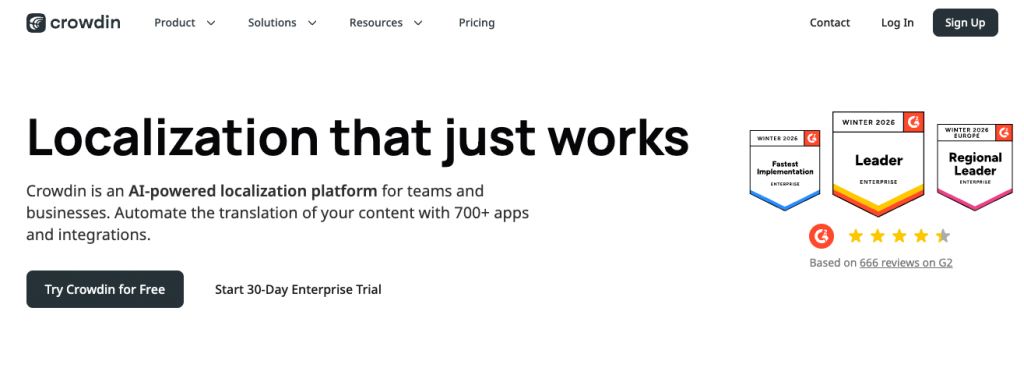
Crowdin is another translation management system built for large‑scale, content‑heavy projects where volume and reuse matter. This is a tool that can incorporate both professional translators and community contributions into the same workflow.
Ideal use cases
Crowdin is suited for software companies, open-source projects, and platforms that rely on user communities to contribute translations at scale.
Core capabilities
→ Crowdsourced translation workflows with controlled access.
→ Integration with Git-based repositories.
→ Support for 100+ file formats and multiple platforms
→ Automation for syncing and updating translation strings.
→ In-context editor.
Why companies choose Crowdin
Crowdin impresses with over 700 integrations, which means companies should be able to connect the tools they already use without hassle. Another big advantage of this TMS is its flexibility in handling community-driven translation.
Pricing
| Plan | Price | Notes |
|---|---|---|
| Free | $0 | *Free-tier accounts contribute their translated data to Crowdin’s translation memory |
| Pro | €46/mo or €54/mo | Billed monthly or annually |
| Team | €138/mo or 165/mo | Billed monthly or annually |
| Team+ | €415/mo | Annual billing only |
| Business | N/A | Custom. Annual billing only |
How we compare: POEditor vs Crowdin
Smartling
Selling point: Self-described as an end-to-end AI translation system that automates model selection and quality checks to maintain consistency at scale.
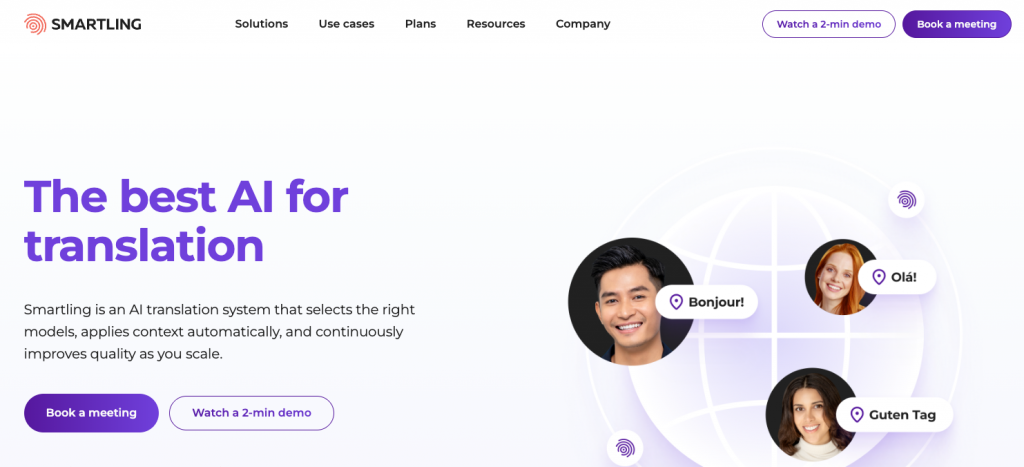
Smartling is one of those translation management systems that are focused more on global enterprises. It’s built for organizations managing large volumes of multilingual content across multiple markets and channels. Teams working with Smartling usually already have a localization strategy and want to systematize it, not invent it from scratch.
Ideal use cases
Smartling is best suited for large SaaS companies, marketing‑heavy organizations, and regulated industries that need strict compliance and audit trails.
Core capabilities
→ Deep integrations with CMS, marketing platforms, dev tools, and more.
→ Advanced workflow automation and content routing.
→ AI-powered translation suggestions and QA checks.
→ Translation memory and terminology management
→ Visual context editor.
Why companies choose Smartling
Smartling is designed for scale, and large companies appreciate this. Its infrastructure supports high-volume translation workflows, and users are given the right tools for maintaining quality and consistency across all their languages.
Pricing
| Plans | Pricing | Notes |
|---|---|---|
| Core | N/A | Free to start. Custom pricing |
| Enterprise | N/A | Custom pricing |
How we compare: POEditor vs Smartling
Phrase
Selling point: They position themselves as a Language Intelligence Platform that uses a vast integration ecosystem to automate and scale multilingual content delivery.
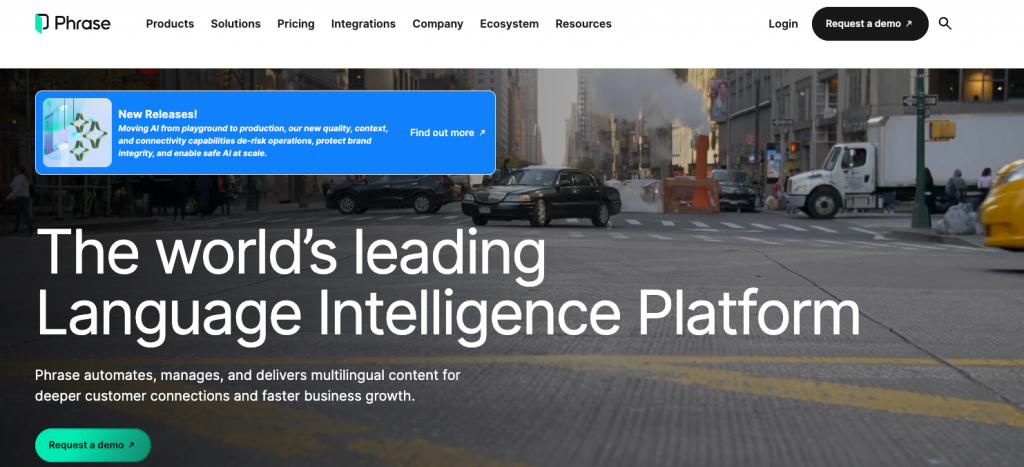
Phrase (some of you may remember it as Memsource) is a translation management system built for dev‑centric teams that need automation, scalability, and deep integration with development workflows. It’s widely used in environments where localization is tightly connected to code releases.
Ideal use cases
Phrase is a good option for software companies that release frequently and use Git‑based workflows and teams that want to automate localization as part of CI/CD.
Core capabilities
→ Integration with developer tools (e.g., Git, CI/CD pipelines).
→ Centralized translation memory and terminology management.
→ End-to-end automation for translation workflows.
→ In-context editing for UI and product content.
→ Analytics for tracking performance, costs, and quality.
Why companies choose Phrase
Phrase users describe it as a plug-and-play tool. It’s easy to use and offers fast turnaround, and for dev‑centric organizations that want to scale their localization alongside their product releases without friction, this matters most.
| Plans | Price | Notes |
|---|---|---|
| Freelancer | $27/mo | Billed annually |
| Software UI/UX | $525/mo | Billed annually |
| Professional | $525/mo | Billed annually |
| Team | $1,245/mo | Billed annually |
| Business | N/A | Custom |
| Enterprise | N/A | Custom |
How we compare: POEditor vs Phrase
What to look for in a translation management system
If you’re still unsure what to go with, here are the fundamentals every TMS should have. The most important thing you need to have in mind is that the ideal system should fit your current workflow, team structure, and future growth plans. For a deeper look, read what a translation management system is and how it works.
The non-negotiable features:
- Workflow automation.
- Collaboration tools.
- Essential integrations, APIs.
- Translation memory and glossaries.
- Quality assurance checks and analytics.
Different company sizes, different needs:
| Small teams and startups | Growing companies | Large enterprises |
|---|---|---|
| Basic automation | Automation and AI support | Security, compliance, and user permissions |
| Essential integrations | Broader file format support | Deep integrations |
| Affordable pricing or free plans | Scalable workflows | Advanced workflow orchestration |
| Ease of use and quick setup | Stronger collaboration features | Robust analytics and reporting |
One last thing
Many of the best translation management systems offer free trials or limited free plans. We encourage you to take advantage of these options. Even if a free plan has restrictions, it still allows you to explore the interface, test integrations, and understand how the workflow feels in practice.
Set up a small test project, invite a teammate or two, and simulate a real localization process. You’ll notice things you wouldn’t in demos alone: how intuitive the UI is, how smooth collaboration feels, or how much manual work you still need to do.
Ready to dive in?
Try our Free plan, and sneak a peek at Premium for free!Frequently asked questions
What are the best translation management systems available today?
It depends on your team. For small and medium product teams that want an affordable, easy-to-integrate tool, POEditor. For large enterprise localization programs, Smartling or Phrase. For community-driven translation, Crowdin. Lokalise suits mid-sized and large companies with many products. The comparison table above shows the differences at a glance.
What is the best translation management system for small teams?
Look for a TMS with a free or low-cost plan, quick setup and the integrations you already use. In our comparison, POEditor and Crowdin both have free plans, and POEditor’s paid plans start at $17 per month billed yearly.
Is there a free translation management system?
Yes. Several vendors offer free plans with limits. POEditor’s free plan covers up to 1,000 strings.
Which TMS lets me use my own AI models?
Check whether the vendor lets you connect your own AI provider account and edit the prompt. POEditor supports OpenAI, Anthropic (Claude), Google (Gemini), Azure AI and Amazon Bedrock, with custom prompts and models.
How do I choose between these tools?
Shortlist two or three based on the comparison table, then run the same small test project in each. You’ll quickly see which one fits your workflow.