A .stringsdict file holds the strings in an iOS, macOS, watchOS or tvOS app that change with a number, a device or the available screen width, most often plurals. To translate it with POEditor, import the .stringsdict file of your source language, translate each plural form in your target languages and export every language as its own .stringsdict file.
What's in a .stringsdict file
Stringsdict files are XML property lists that sit next to the .strings file of each language, in its .lproj folder. Each key holds a format string (NSStringLocalizedFormatKey) whose variables are written as %#@name@.
Every variable lists the text for each plural category the language uses, such as one, few, many and other. A key can also hold device-specific variants (NSStringDeviceSpecificRuleType) or width variants (NSStringVariableWidthRuleType).
1. Create a localization project
Log in to your POEditor account, create a project and add your app's source language to it.
2. Import the .stringsdict file
In the project page, click on Import and upload the .stringsdict file with your source language. Choose Also import translations to a language and select the source language.
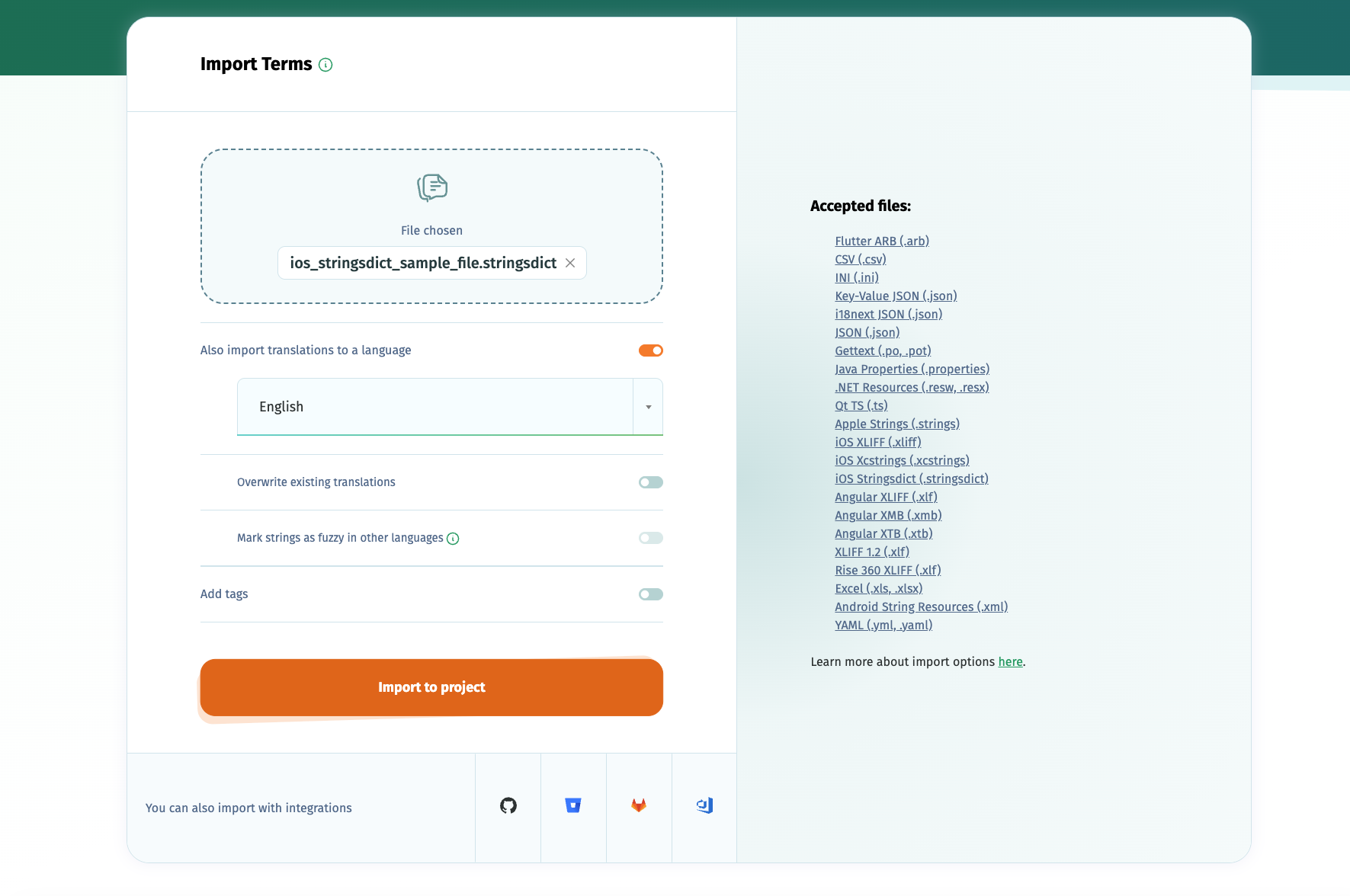
A stringsdict file holds one language, so if you already have translations, import each language's .stringsdict file into that language.
3. Check how your keys were imported
- A key whose format string is a single variable, like %#@items@, is imported as one plural string.
- Every other part of a key becomes its own string, named the same way as in Xcode String Catalogs: key|==|substitutions.files for a variable, key|==|device.iphone for a device variant and key|==|width.20 for a width variant.
- The value type of every variable (NSStringFormatValueTypeKey) and the name of a single plural variable are kept in the reference of the string, for example stringsdict:lld:days, and used again on export.
4. Translate your strings
Add the languages you need, then translate them with AI, machine translation, your own contributors or human translators. See all translation options.
5. Export localized .stringsdict file
Click on Export in a translation page and choose the .stringsdict format to download that language. Each language is exported as its own file, ready to place in its .lproj folder.
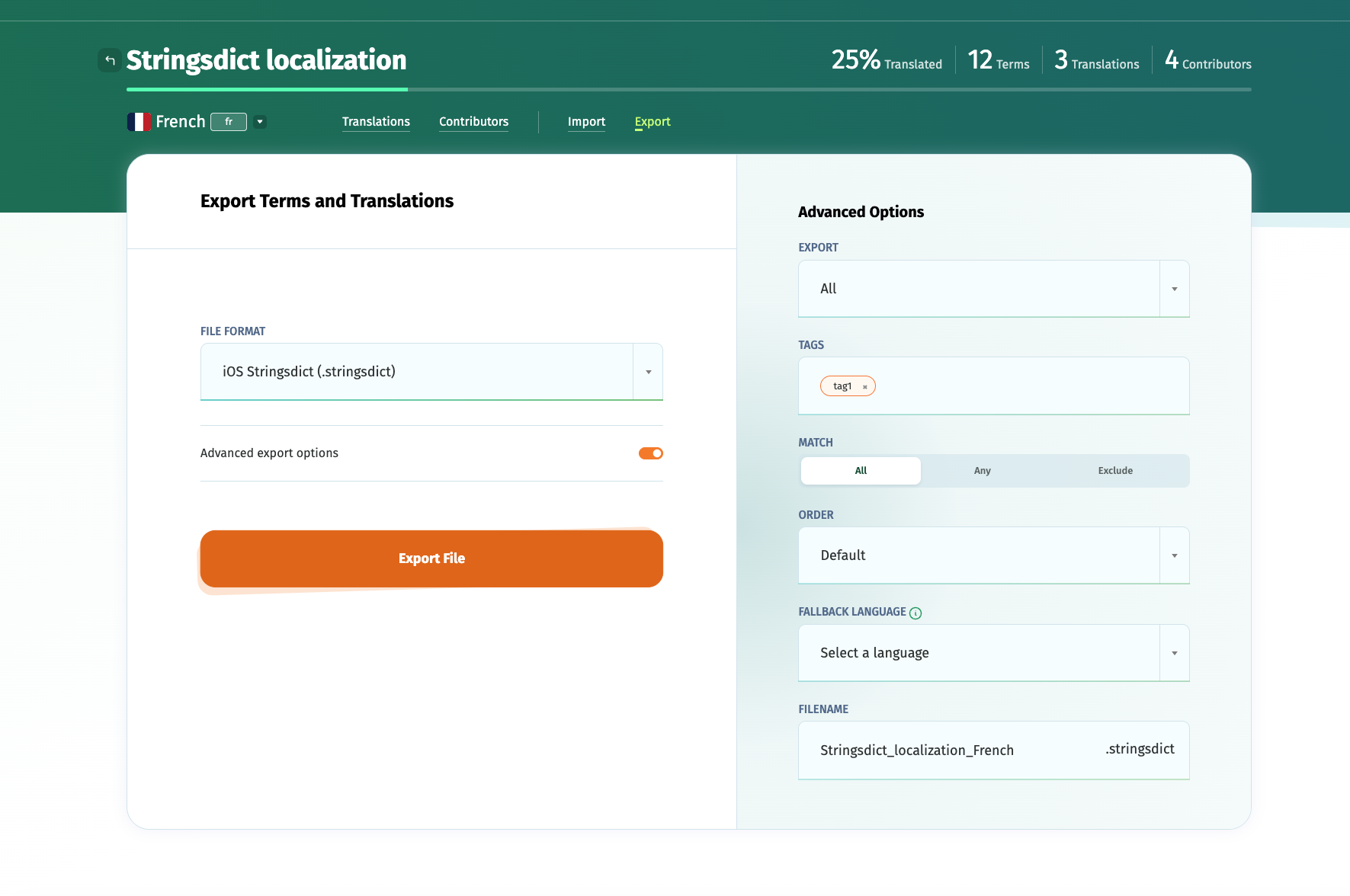
If you want to automate the import/export, use the POEditor API, one of the integrations with code hosting platforms or Workflows.
6. Moving between .stringsdict and String Catalogs
Because POEditor names the parts of a key the same way for both formats, strings imported from an Xcode String Catalog (.xcstrings) can be exported as .stringsdict files, and the other way around. For strings imported from other files, the value type is taken from the matching format specifier in the term, for example lld for %lld.