 Mirela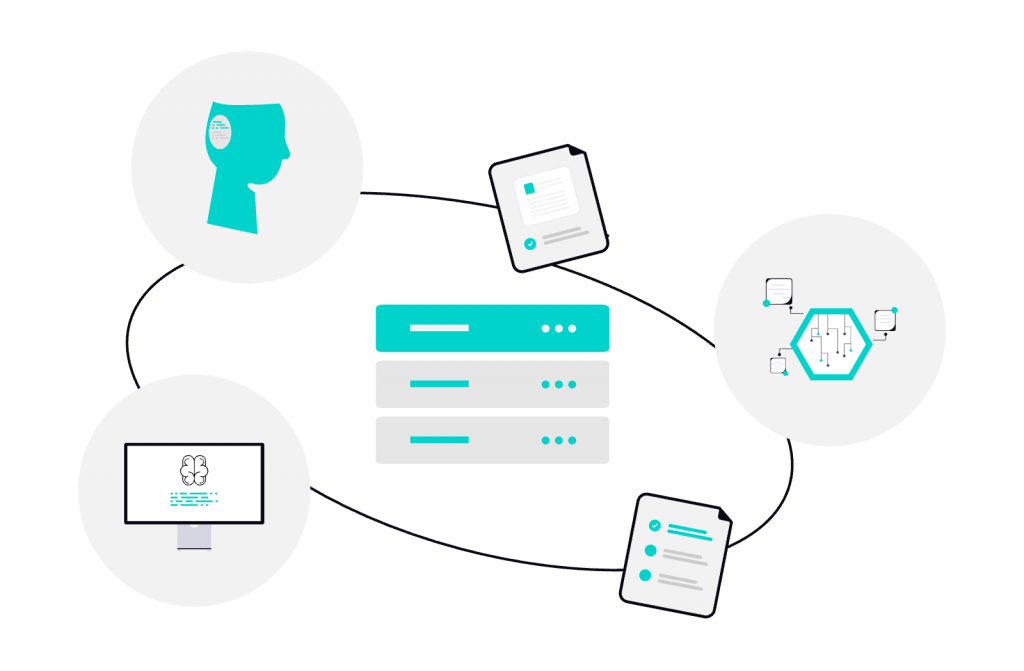
How do you manage a complex workflow across tools, teams, and systems? Easy, with software localization connectors. They connect your systems to your translation platform, and everything syncs automatically. Goodbye, manual processes! Sounds good? Read on as we discuss these integrations more in-depth.
About software localization connectors
Software localization connectors are basically integrations that link your content source (e.g., CMS, code repository, or app) with a translation or localization platform. You use them to automate the flow of content between systems.
How they work
In short, things happen like this: you make changes to your website or app → the connector detects those changes → sends them for translation → automatically pulls the translated content back in.
Connectors search your source content for updates, then package translatable elements into jobs routed through translation systems. Next, a linguist or an AI translates the content, and then the translations flow back, reintegrating into your builds via APIs or webhooks.
Step-by-step:
- Content detection
- Content extraction
- Delivery to localization platform
- Translation and review
- Automatic sync back
This setup supports CI/CD pipelines, where localization runs parallel to coding: your team commits code, connectors extract strings, and localized builds deploy without delays. They preserve metadata like placeholders or context notes, so you can avoid errors in dynamic UIs.
The different types of connectors
Now, it’s important you chose the software localization connectors that fit your setup. Because there are different types of connectors you can use. First, we have native connectors, which are ready-made integrations built specifically for popular platforms (like repositories). If you’re using mainstream tools and want a plug-and-play solution, this is your best bet.
Then, we have API-based connectors, which are more flexible and are built using the APIs of your systems and localization platform. The advantage is that you have full control over how your content flows, but you (or your devs) have to create custom connections. It’s a bit more work, including the maintenance.
For a more traditional approach, you could go with file-based connectors. In this case, there’s no real-time syncing; the content is exported and imported via files (like JSON, XML, CSV), but the process is automated. They work with almost any system.
We also have middleware connectors, or “bridges” as some call them. They connect multiple tools together without requiring direct integrations between each one. If you have multiple systems to manage, you might find these connectors ideal because you get centralized control over all your integrations.
Today, we might have to use multiple solutions. It’s actually pretty usual to use a native connector for your CMS, for example, but choose API integrations for custom features. In the end, it all depends on your tech stack and workflow.
Why it’s best to use connectors
It’s easy to see the benefits brought by connectors:
- Reduce manual errors because you’re automating file transfers and version tracking.
- Save you a lot of time because we all know how slow manual workflows are.
- Save costs by freeing developers from export/import tasks.
- Speed up releases with parallel dev-loc workflows.
- Maintain consistency across all languages.
- Handle text expansion or RTL scripts.
Working with POEditor
As we previously mentioned, connectors link your content with a translation/localization platform. POEditor is designed to plug directly into the tools you’re already using. So if this is your preferred translation management system, you can send content from your app or website to POEditor, translate it using one (or more) of our translation options, and finally sync the translations back into your product.
For development teams, POEditor integrates with GitHub, GitLab, Bitbucket, and Azure DevOps. We also integrate with design tools like Figma and CMSs like WordPress. But if you need more flexibility, we can give you full API access. Our TMS also supports webhooks (callbacks), so your system gets notified when something changes.
When should you use POEditor with connectors?
If you fall into one or more of these categories, you will likely benefit from this setup:
- You’re managing translations across multiple systems.
- You want to automate localization workflows.
- You need both developer-friendly and non-technical workflows.
- You’re scaling to multiple languages.
Check out our integrations and allow us to ease your localization process.