To set a string as non-translatable in the POEditor localization platform, you need have one of the following roles: project owner, project administrator or organization manager/owner.
How to set a term as non-translatable in Terms
You can mark individual terms as non-translatable from the Terms page, by opening the term attributes and enabling the Non-translatable option.
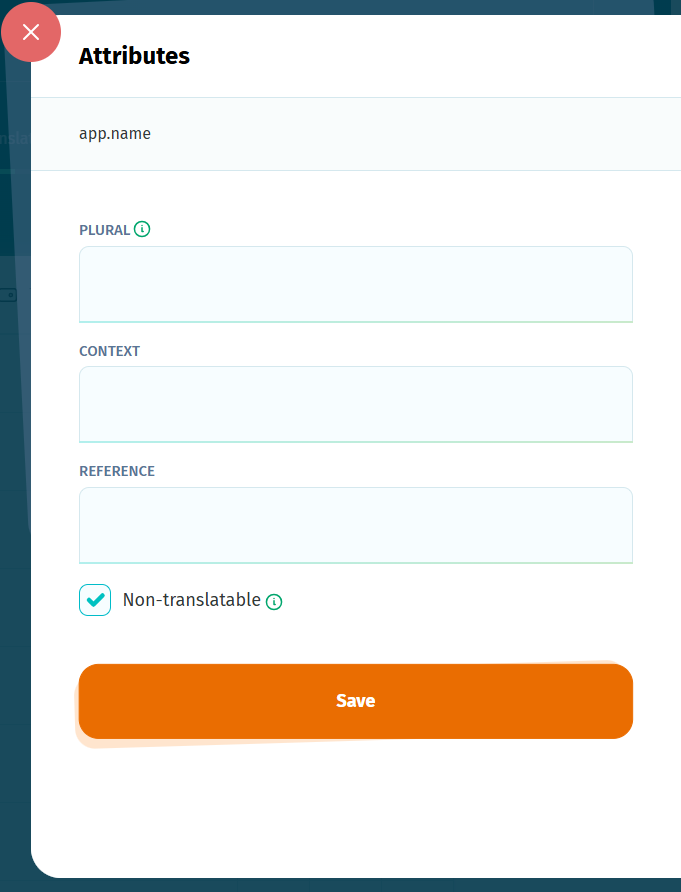
The non-translatable flag can be enabled directly upon adding a new term, clicking on Advanced Settings > Non-translatable.
When this flag is enabled:
- existing translations for the term are kept as they are and locked from editing.
- empty translations inherit the text from the source language, if a Default Reference Language (DRL) is set for the project and are locked from editing.
- if no DRL is set, the term itself will be copied to the translation and locked.
- if a DRL is set but no source translation exists for the term, the translation boxes will remain empty and locked.
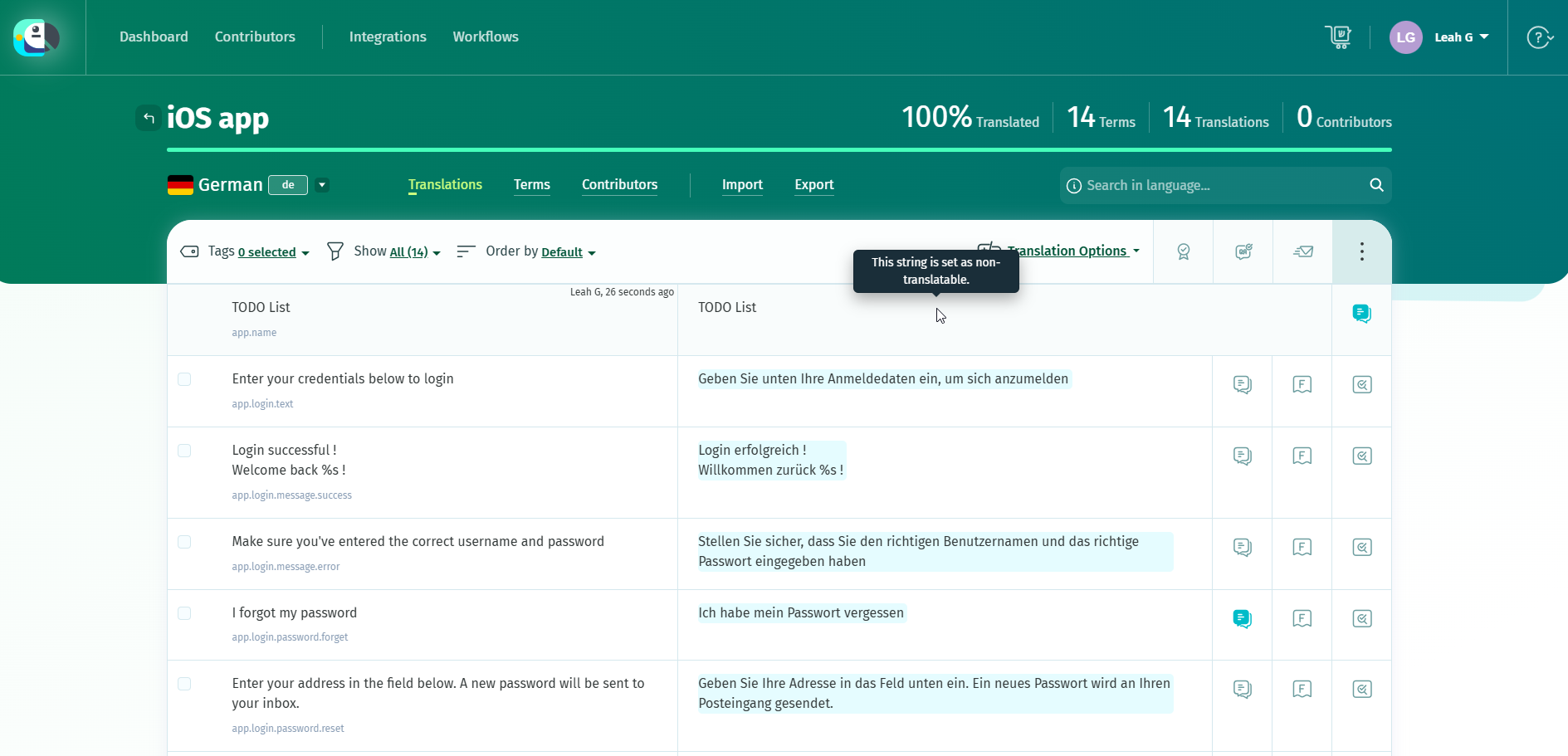
To update the source translation of a non-translatable term, go to the Terms page, disable the Non-translatable option for the term, make your changes, and then enable the option again.
For Android XML files, which support the flag
translatable="false", the non-translatable state is preserved on import/export. More details here.